Fingertech
Fingertech Mini Power Switch - Torx
Fingertech Mini Power Switch - Torx
Couldn't load pickup availability
Has your robot been lacking a high-current power switch? Tired of plugging and unplugging the battery during an intense competition?
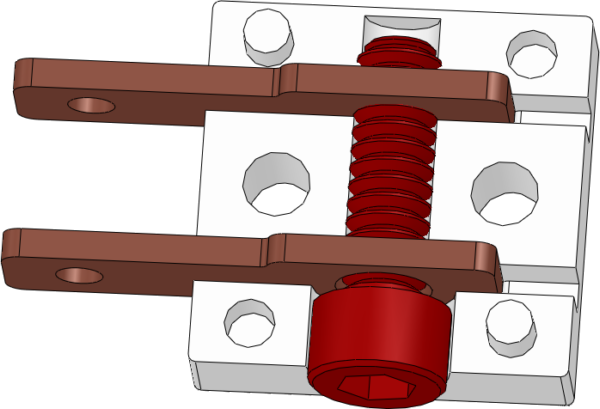
- The Fingertech Mini Power Switch - Torx version can be activated with the simple twist of a Torx T10 wrench (6-point). Much less prone to stripping than regular hex!
- No other switch is as small, lightweight and powerful!
Specifications:
Material: High-temperature nylon, copper terminals, aluminum screw
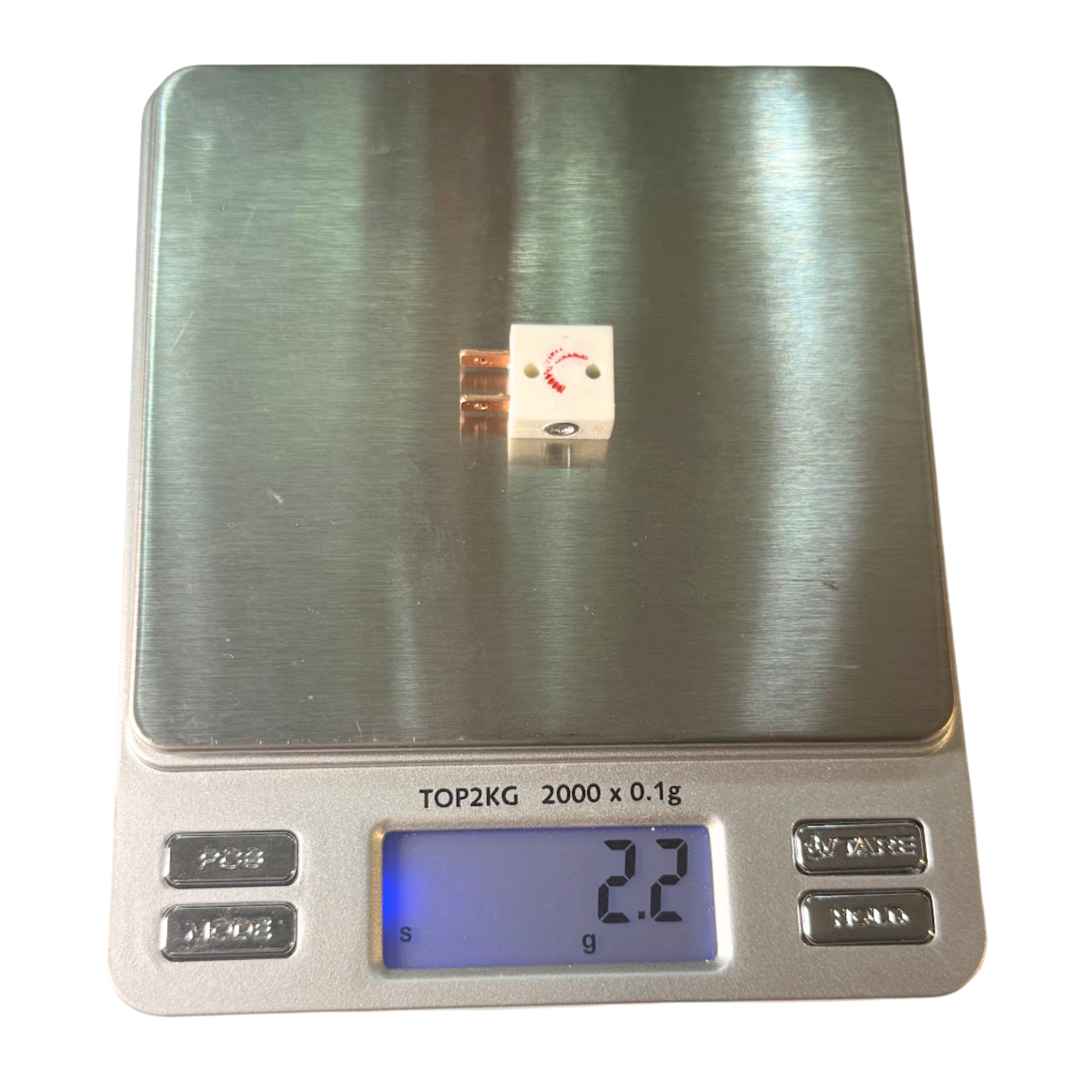
Dimensions: 12.7 x 12.7 x 6.35mm (0.5 x 0.5 x 0.25in)
Copper terminals: 3.5mm x 1mm (0.138 x 0.04in) extend 6.35mm (0.25in) from switch body
Weight: 2.15grams (0.076oz)
Installation:
Two mounting holes, spaced 7.62mm (0.3in) apart, can pass-through M2 or 2-56 screws, or can be tapped for M3 or 4-40 screw threads.
Tip:
Connect the battery to the copper terminal closest to the screw head. The screw head is part of the circuit (it is always connected to the far terminal). Connecting your battery to the terminal closest to the screw head will ensure it is not live when the robot is off.
Allowable soldering temperatures:
350°C (662°F) : continuous
400°C (752°F) : 1min
450°C (842°F) : 12s
480°C (896°F) : 8s
Operation:
To connect the two copper terminals (and turn the switch on), use a Torx T10 wrench to tighten the screw (clockwise). It does not take a lot of force to make a good connection - just finger-tight. (The white nylon housing is undersized to keep the screw from backing out due to vibrations.)
One full rotation counterclockwise disconnects power.
Current Ratings (using 16-gauge wire):
Rated Current: 40A Continuous, 100A Burst (10 seconds). Keep in mind that the size of the wire and type of wire insulation is the main limiting factor. More heat is generated in smaller wires and in poor connections. The Fingertech switch has been tested with 10-gauge wire and was able to run 95A (continuous) for three minutes.
Share